

Smart Commits for Bitbucket is a Forge app that can be installed directly into your Bitbucket Cloud workspace. to a Bitbucket repository.
This guide walks you through installing the app in Bitbucket Cloud using a secure installation link provided by Atlassian.
Installation Steps
-
Sign in to Bitbucket
Log in with your Bitbucket Workspace
-
Open the Installation Link
Click or copy-paste the following link into your browser (it can take some seconds to load the page):
-
Review Permissions
The app will request access to certain data (e.g., repositories, pull requests).
-
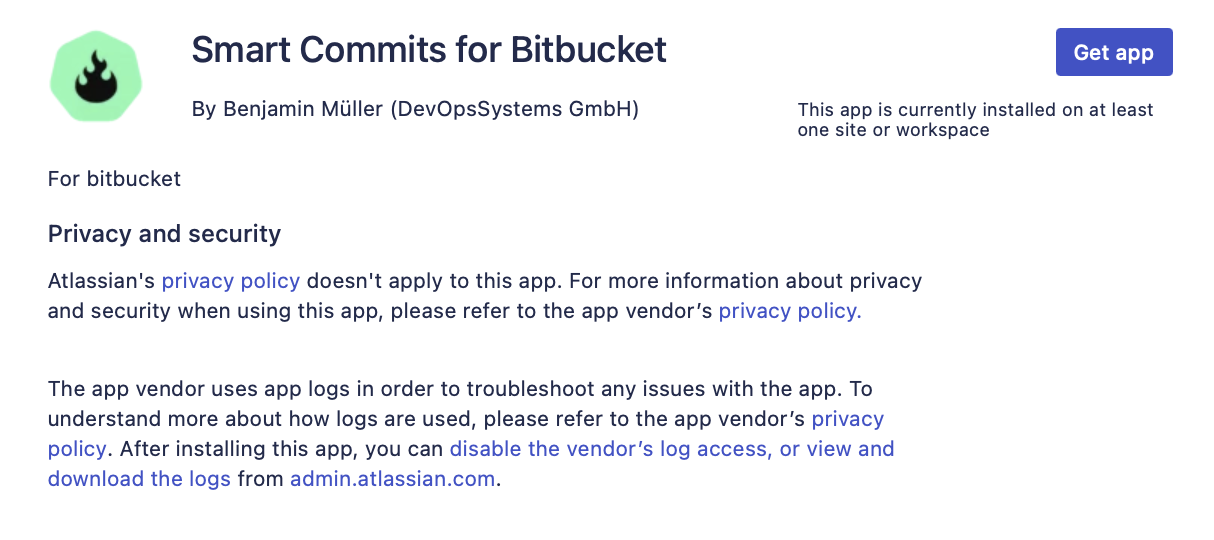
Click “Get app”
Start the installation via the Button “Get app”
-
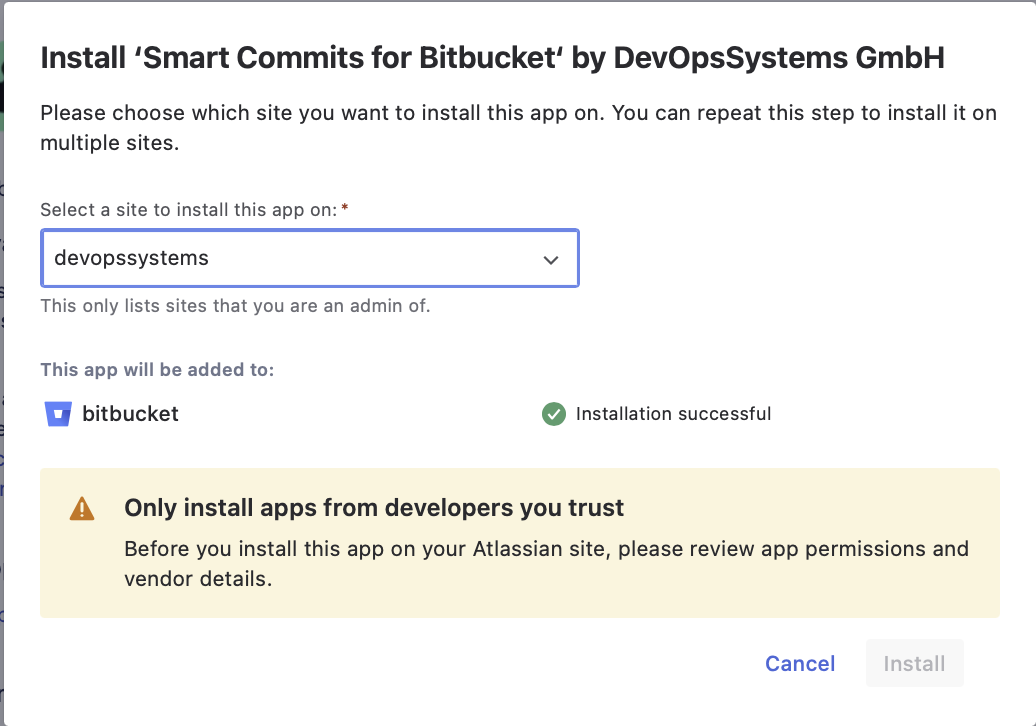
Choose a Workspace
Select the workspace where you want to install the app
-
Click “Install”
Confirm the installation by clicking the Install button.
Next steps
Read the User Guide: Define the global behavior of the Process Guardian, such as issue key detection, validation mode, and review behavior.