Overview
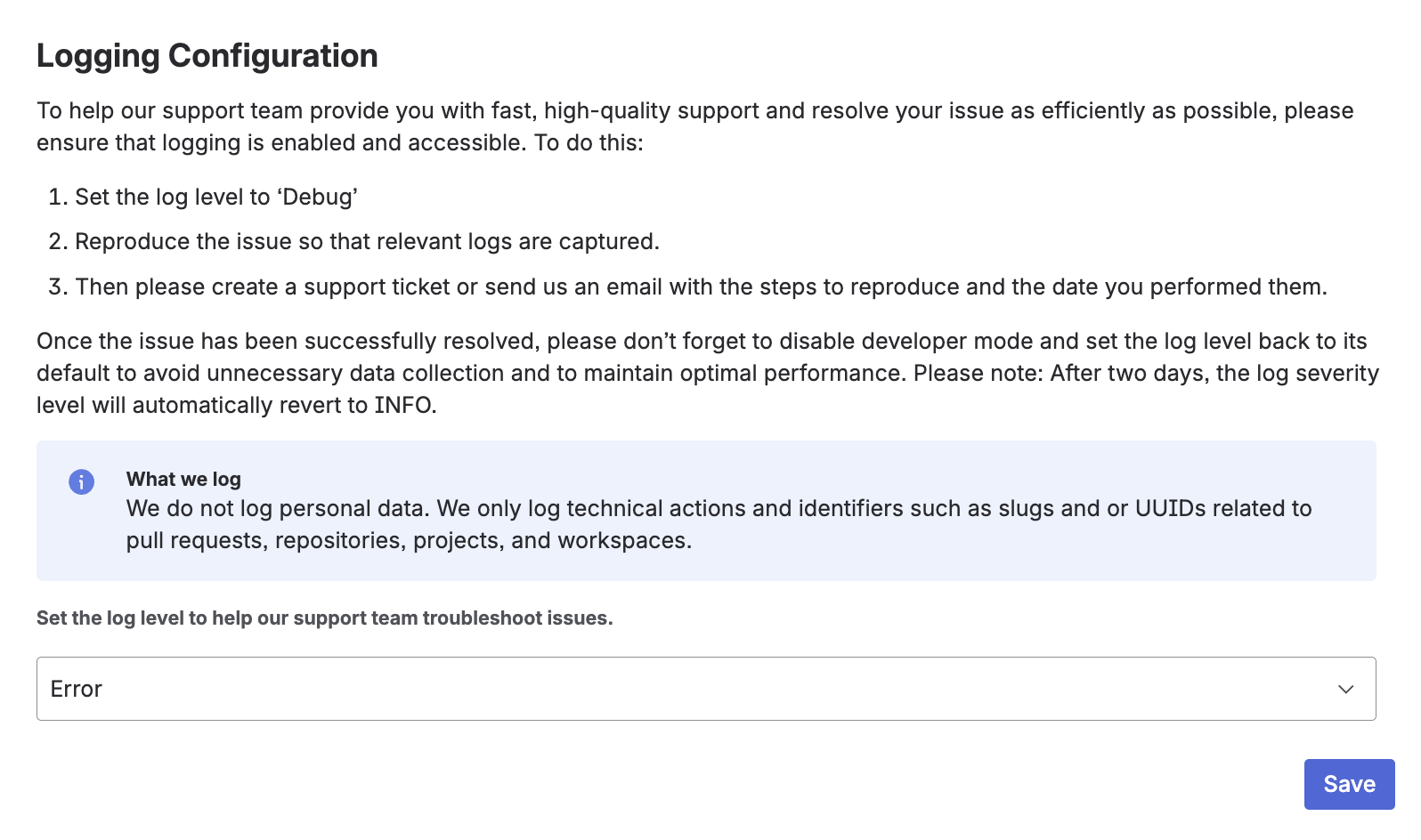
The Support and Logging section in the workspace settings helps you troubleshoot issues and get assistance quickly and efficiently. You can access this functionality in the workspace settings under the Support tab, where logging configuration and support options are available.
Logging
Logging helps capture technical information for troubleshooting.
To analyze an issue:
-
Set the log level to Debug
-
Reproduce the issue
-
Contact support and include the reproduction steps and the time of the issue
After troubleshooting, reset the log level to the default. The log level automatically returns to INFO after a limited time.
We do not log personal data. Only technical information such as actions, slugs, UUIDs, and references to pull requests, repositories, projects, and workspaces is collected.